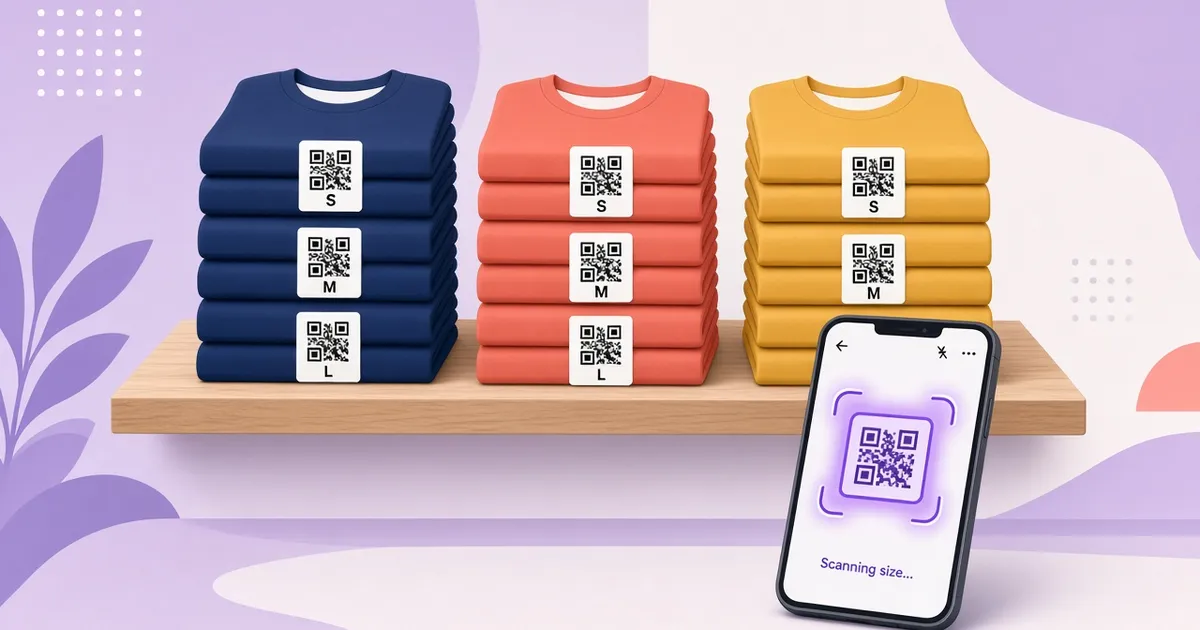
QR code labels for every product
A unique QR code is generated for each label, with product name and SKU.
WooCommerce inventory plugin + phone scanning
Scanventory generates a unique QR code for each product right in your WooCommerce admin. Stick the labels on products or bins, scan them with your phone or tablet, and edit the product on the spot. No warehouse scanners needed.
How it works

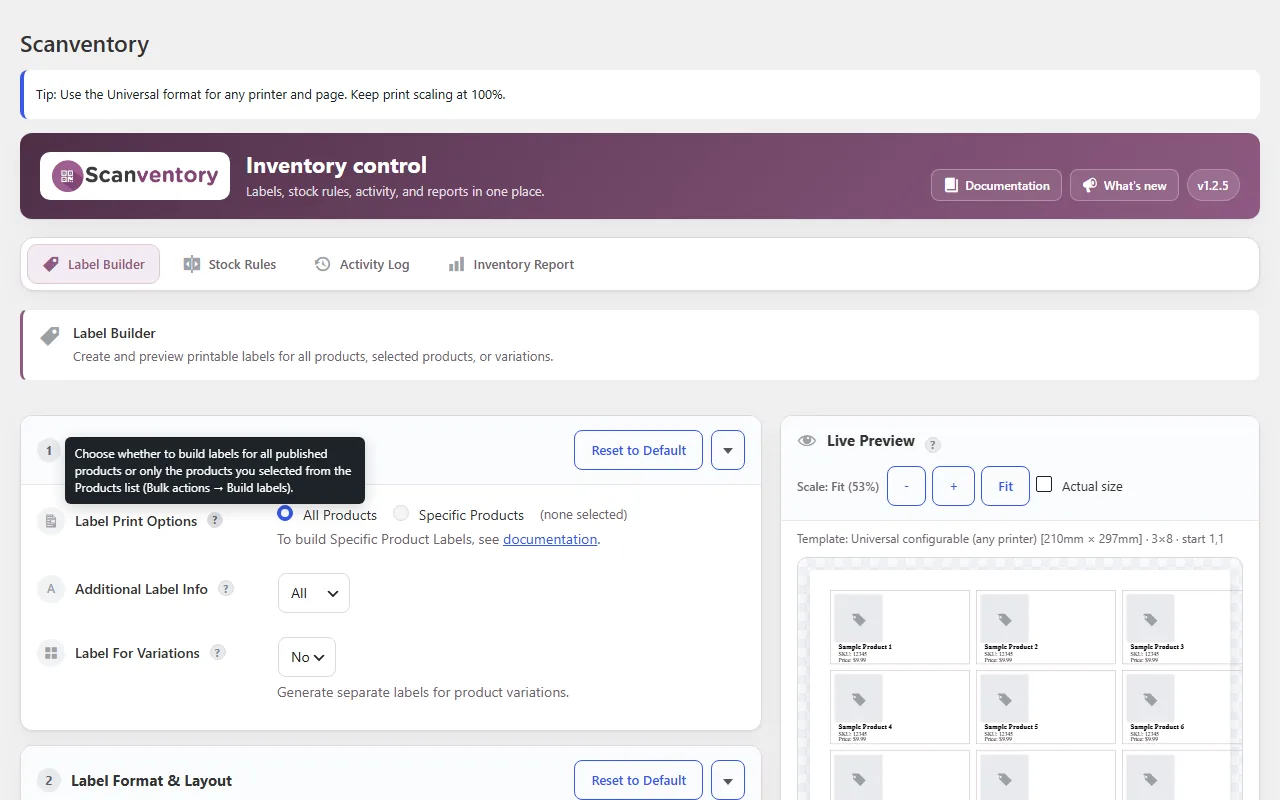
Open Scanventory in your WooCommerce admin and print QR code labels for all products at once, or only the ones you pick. Choose a layout, for example 12, 6 or 2 labels per page.

Scan a label with the Scanventory app, or any QR code reader app, on your phone or tablet. It takes you straight to that product.

Increase or decrease stock right there. Your online store and your shelf count stay in sync, so you don't oversell.
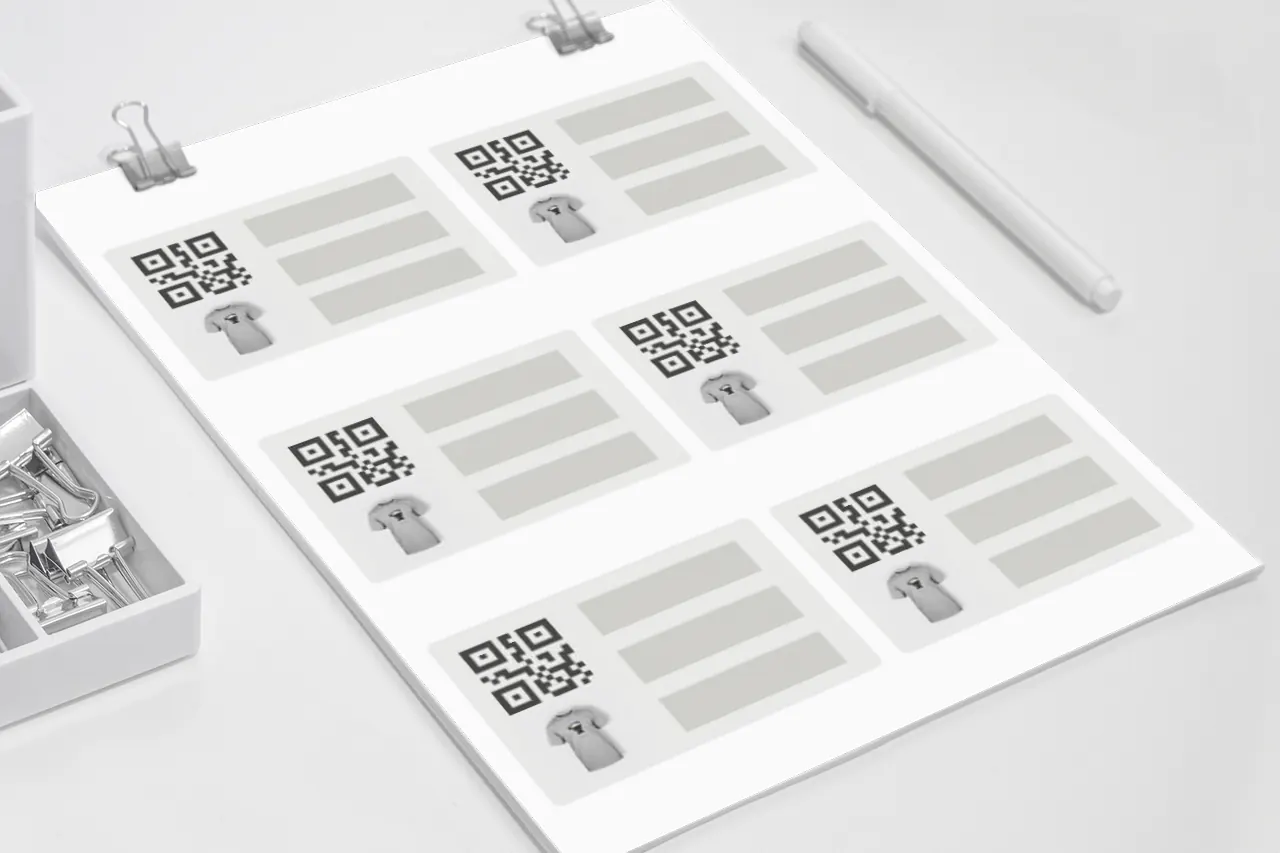
WooCommerce QR code labels
Print labels for your entire catalog or just new stock. Each label carries the product name, SKU and its own QR code. Pick a layout, for example 12, 6 or 2 per page, and use the start offset to finish partly used sheets.

QR code inventory for WooCommerce
Print custom labels for the inventory bins in your warehouse. Walk the shelves with your phone, scan, and correct stock where the products actually are. Your online and physical inventory stay in sync.

Any mobile device
Professional warehouse scanners can be expensive. Scanventory works with any phone or tablet that can scan QR codes, using the Scanventory app or any QR code reader app.
Inside WordPress
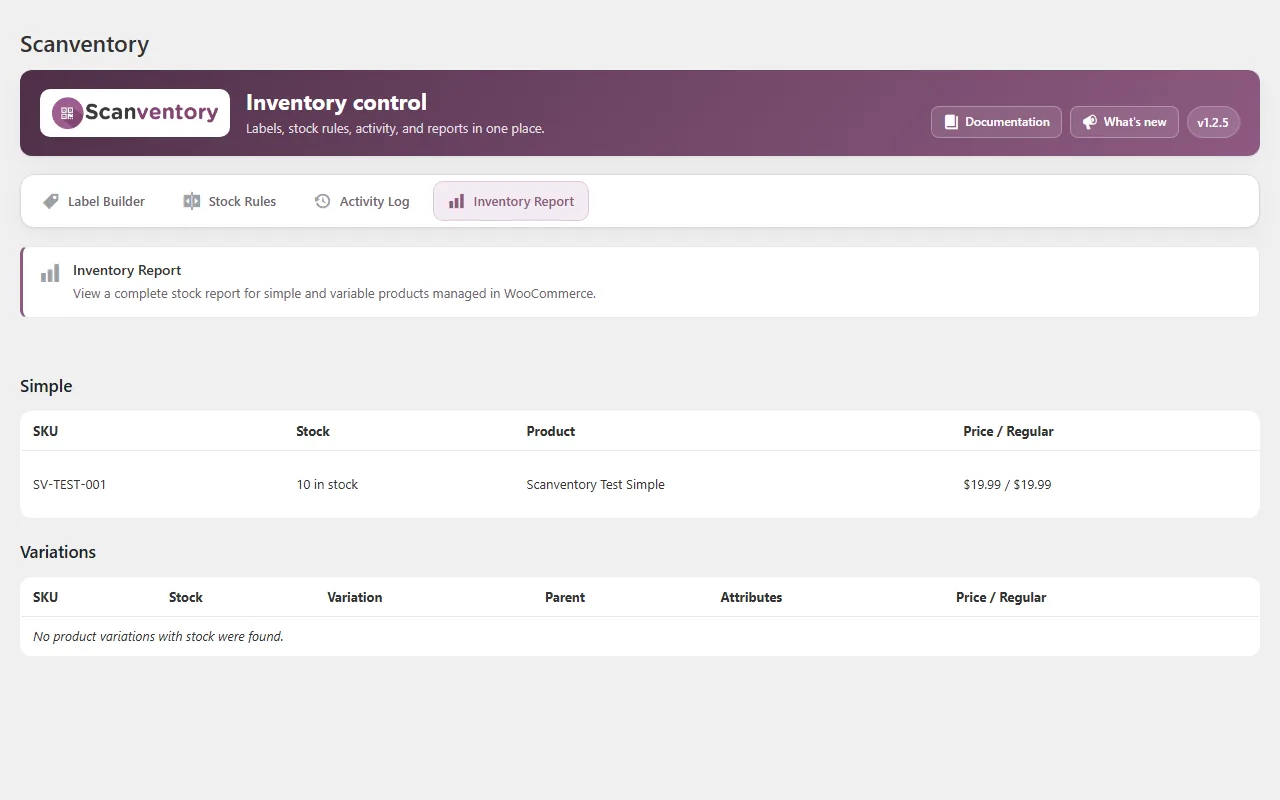
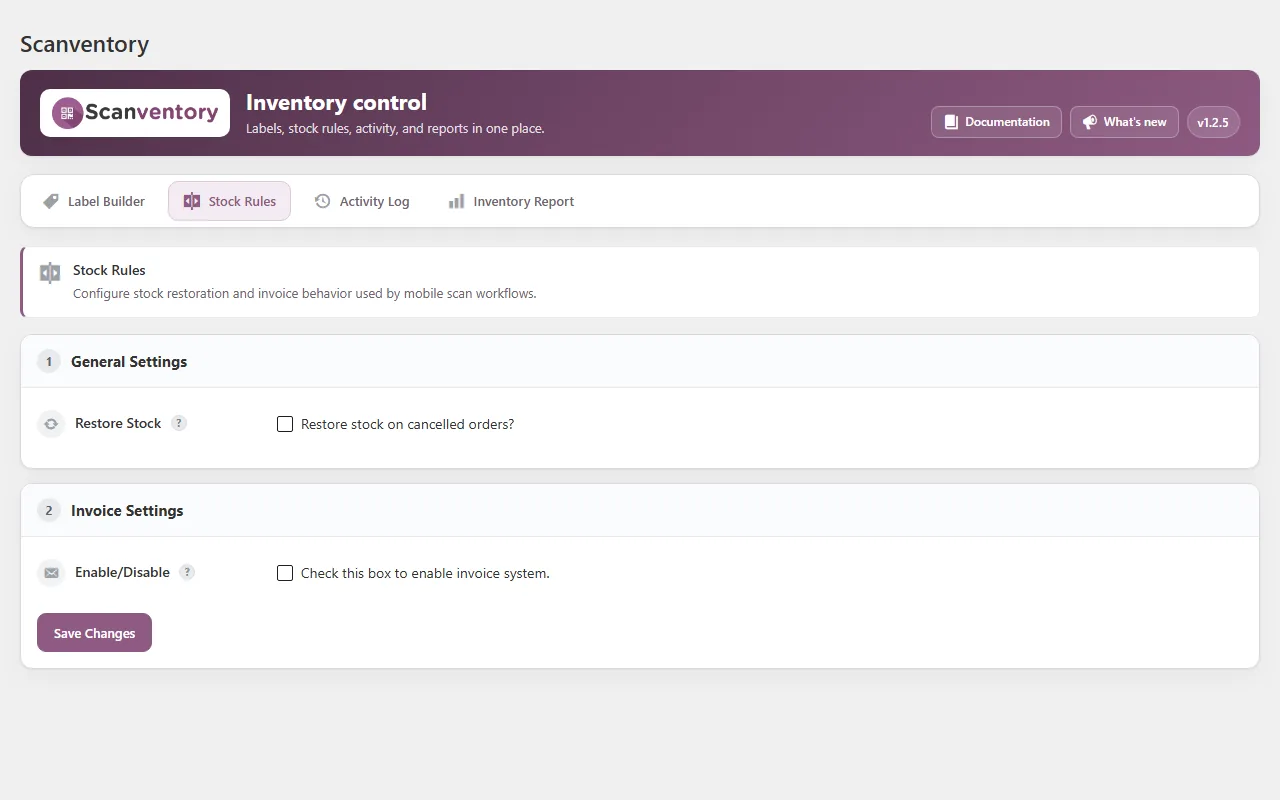
Real screenshots of the Scanventory screens in the WordPress admin.
Features
A unique QR code is generated for each label, with product name and SKU.
Print labels for your whole catalog in one go, or on demand for new stock.
Pick layouts and presets, adjust spacing, dimensions, typography and QR size. Supports partial sheets (start offset) and roll printers.
Print custom labels for the inventory bins in your warehouse.
Works with any phone or tablet that can scan QR codes. No dedicated barcode scanner hardware needed.
Manage stock for simple and variable products, and print reports.
See who changed a product's stock, what changed and when. Useful when several staff members update stock.
Declared support for HPOS and cart/checkout blocks. Tested with WordPress 7.0 and WooCommerce 10.9.

Who it's for
Pricing
Sold and delivered through the official WooCommerce.com Marketplace.

$159 / year
or $254.40 for a 2-year plan (save 20%)
Requires WordPress 5.0+, WooCommerce 5.0+ and PHP 7.4+. Current version 1.2.5. Prices as listed on WooCommerce.com, Oct 2026.
FAQ
Scanventory prints QR codes on its labels. Each product gets its own code, and scanning it opens that product so you can edit it.
No. Any phone or tablet that can scan QR codes works, with the Scanventory app or any QR code reader app.
Yes, for online orders. Scanventory is for everything else: offline sales, restocks and counts. That way your physical and online inventory match.
You choose the layout, for example 12, 6 or 2 labels per page. The label engine also supports custom layouts, calibration, start offset for partial sheets and roll printers.
WordPress 5.0+, WooCommerce 5.0+ and PHP 7.4+. Tested with WordPress 7.0 and WooCommerce 10.9.
Yes. Purchases through WooCommerce.com come with a 30-day money-back guarantee.
From the blog
Practical guides on WooCommerce inventory, QR code labels and stock counts.
Three ways to get a WooCommerce stock report: Analytics > Stock, a product CSV export, and a printable Inventory Report for counts and audits.
Read moreWhere WooCommerce records stock changes, where it doesn't, and how an activity log shows who changed stock, what changed and when.
Read morePrint a separate QR code label for every size and colour of a WooCommerce variable product, show the right attribute on each label, and keep variation SKUs tidy.
Read moreContact
Questions before buying? Write to us and we'll reply by email.